9 Easy Ways How to Do Time Lapse Growth
Watching seedlings emerge from soil in compressed seconds transforms ordinary growth into an arresting visual story. Time-lapse photography condenses days or weeks of botanical development into seconds of footage, revealing patterns invisible to real-time observation. Learning how to do time lapse growth demands precise environmental control, consistent lighting geometry, and systematic documentation protocols that align camera intervals with actual plant physiology. This technique exposes the mechanics of cell elongation, phototropism, and circumnutation in ways that standard observation cannot capture.
Materials
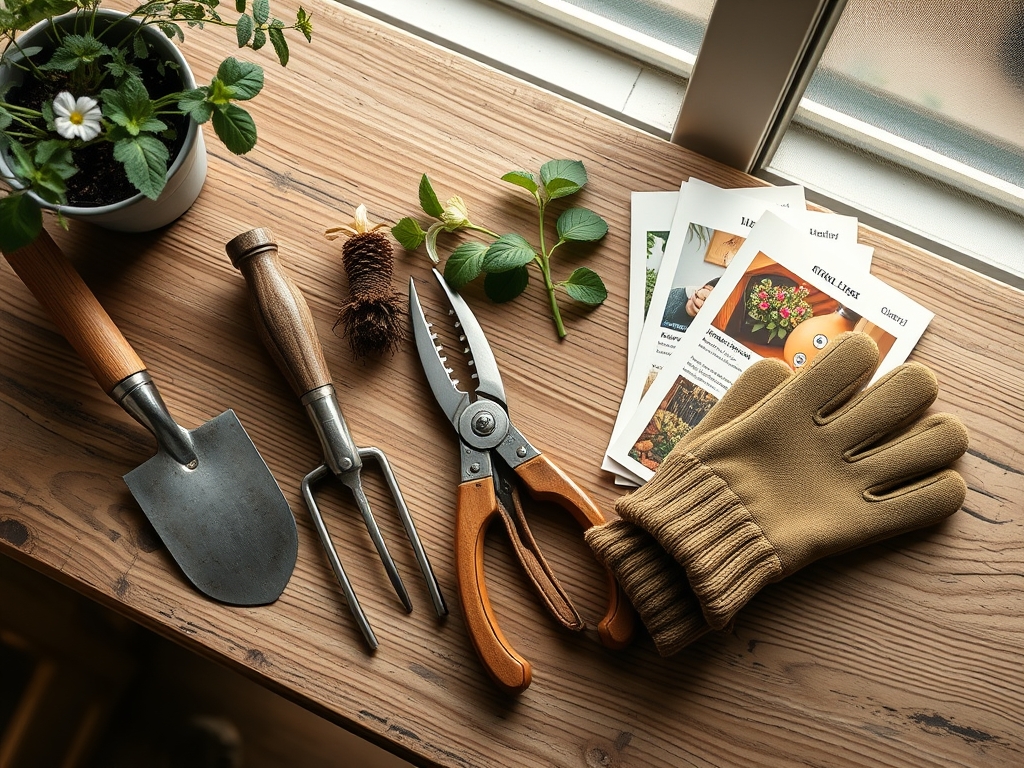
A camera with interval timer function or dedicated intervalometer represents the foundation. DSLR models with manual exposure locks prevent flicker between frames. Mirrorless cameras reduce mechanical wear during multi-day sequences. Smartphones equipped with time-lapse apps offer accessible entry points but lack fine exposure control.
Mount stability eliminates frame-to-frame shift. Tripods rated for 10 pounds minimum absorb ambient vibration. Geared heads allow precise 0.5-degree adjustments in composition. Magnetic quick-release plates enable repeatable camera positioning across multiple sessions.
Lighting requires color temperature consistency. Full-spectrum LED panels at 5000K mimic solar radiation without heat spikes. Position two 30-watt panels at 45-degree angles, 18 inches from subject. Continuous illumination at 400 foot-candles sustains photosynthesis while providing exposure uniformity. Timer-controlled fixtures maintain 16-hour photoperiods that match natural growth hormones.
Growing media pH determines nutrient availability. Peat-based mixes at pH 5.8 suit acid-preferring species. For time-lapse purposes, use substrate with high cation exchange capacity (20+ meq/100g) to buffer against rapid pH drift. Incorporate 4-4-4 organic fertilizer at 2 tablespoons per gallon of mix. This balanced NPK ratio supports steady vegetative growth without excessive elongation that complicates framing.
Backdrop materials control visual distraction. Matte black felt absorbs light spill. White foam core provides high-key contrast for pale specimens. Grid paper taped behind the subject adds measurable scale to footage.
Timing
Hardiness Zones inform species selection but matter less indoors. Controlled environments override frost-date windows entirely. Begin sequences after the last transplant shock subsides, typically 3-5 days post-potting. This delay ensures root establishment and reduces wilting artifacts in footage.
Capture intervals depend on growth velocity. Fast-growing annuals like beans elongate 2-3 inches daily during peak growth. Set intervals at 5-10 minutes for these subjects. Slower perennials require 15-30 minute intervals. Total sequence duration should span at least one complete growth phase: germination (3-7 days), vegetative establishment (10-14 days), or flowering initiation (varies by species).
Seasonal auxin distribution affects stem elongation rates. Spring sequences capture maximum apical dominance. Fall growth slows as gibberellin synthesis declines with shorter photoperiods, even under artificial lighting.
Phases

Sowing
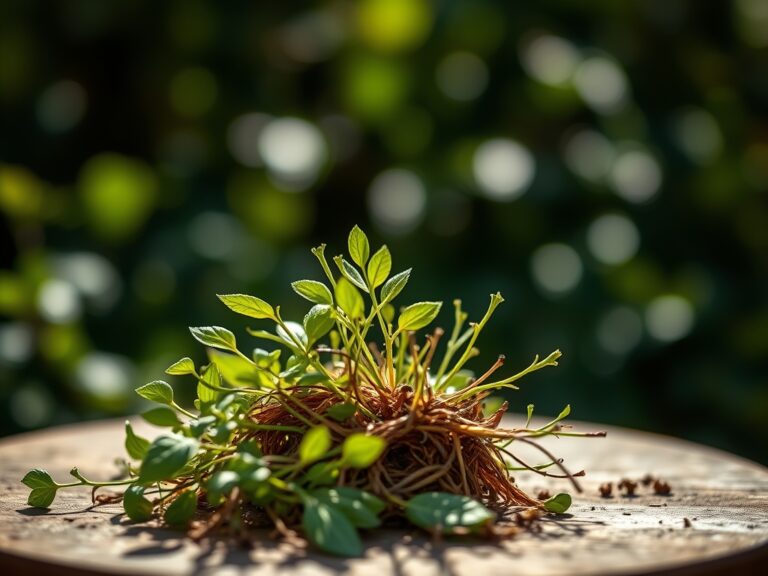
Place seeds 1/4 inch deep in 4-inch pots filled with sterile seed-starting mix. Water substrate to field capacity (soil holds moisture but releases no free water when squeezed). Position camera 12 inches from pot rim, framing 6 inches vertical space to accommodate emergence and early growth. Lock exposure: ISO 400, f/5.6, 1/60 second under LED panels. White balance to 5000K.
Pro-Tip: Inoculate seeds with Rhizophagus irregularis (mycorrhizal fungi) at 1 gram per seed. Fungal colonization accelerates nutrient uptake by 30%, producing more dramatic visible growth suitable for time-lapse compression.
Transplanting
After true leaves develop (typically day 7-10), transfer seedlings to 6-inch pots. Reframe camera to capture 10 inches vertical space. Maintain identical lighting angles to preserve shadow consistency across the sequence cut. Transplant stress temporarily halts elongation for 24-48 hours. Resume capture after new growth resumes to avoid dead footage.
Pro-Tip: Prune cotyledons at 45-degree angles immediately after transplant. This redirects auxin to apical meristems, intensifying upward growth visible in compressed footage.
Establishing
Vegetative growth accelerates as root systems colonize available substrate volume. Lateral branches emerge from axillary buds. Adjust framing weekly to prevent subject from exiting the composition. Some operators use motorized sliders to pull focus outward at 0.1mm per hour, maintaining subject size within frame as actual plants enlarge.
Pro-Tip: Apply foliar spray of 0.1% kelp extract every 72 hours. The cytokinin boost promotes bushier architecture, creating more complex visual movement in the final sequence.
Troubleshooting
Symptom: Flickering brightness between frames despite locked exposure.
Solution: Disable auto-ISO and in-camera noise reduction. These features introduce variable processing. Shoot RAW format and apply uniform corrections in post-production.
Symptom: Leaf wilting mid-sequence disrupts visual flow.
Solution: Substrate dried beyond permanent wilting point (1500 kPa tension). Install soil moisture sensors and maintain tension at 10-30 kPa through drip irrigation on timers.
Symptom: Fungus gnats (Bradysia species) cross frame, creating motion artifacts.
Solution: Top-dress substrate with 1/4 inch diatomaceous earth. The silica shards desiccate larval stages while remaining visually neutral in footage.
Symptom: Etiolation produces thin, pale stems despite adequate lighting.
Solution: Light intensity insufficient. Increase to 600 foot-candles or reduce distance to 12 inches. Etiolated growth results from low phytochrome activation.
Symptom: Leaves track light source, causing positional drift between frames.
Solution: Phototropism responding to single-source lighting. Add opposing fill panel at equal intensity to eliminate directional cues triggering auxin redistribution.
Maintenance
Water to maintain substrate weight within 5% of field capacity mass. Weigh pots every 48 hours and add room-temperature water to restore target weight. This prevents visual sagging or turgidity changes between frames.
Feed with half-strength liquid fertilizer (2-1-2 NPK ratio) every 5 days. Apply 1/4 cup per 6-inch pot. Excess nitrogen produces excessive foliage that complicates framing.
Rotate pots 180 degrees every 3 days unless capturing phototropism specifically. Rotation counteracts unequal light distribution and maintains symmetrical growth.
Monitor substrate EC (electrical conductivity) weekly using a portable meter. Maintain 1.0-1.5 mS/cm. Values above 2.0 indicate salt accumulation that stunts growth and produces visible stress symptoms.
FAQ
How many frames create smooth time-lapse footage?
Target 24 frames per second playback. A 7-day sequence captured at 10-minute intervals yields 1,008 frames, producing 42 seconds of footage. Slower frame rates (12 fps) create acceptable results for web delivery.
Do plants grow differently under continuous light?
Most species require dark periods for proper stomatal function and respiration. Continuous lighting disrupts circadian rhythm, causing leaf chlorosis by day 5. Maintain 16:8 hour light:dark cycles even though footage captures only lit periods.
What file format preserves quality through editing?
Shoot RAW (CR2, NEF) to retain maximum dynamic range for exposure correction across hundreds of frames. Export sequences as ProRes 422 before final editing to prevent generational loss.
Can outdoor time-lapses work for growth documentation?
Variable cloud cover creates exposure inconsistency. Wind movement blurs individual frames. Controlled indoor environments produce scientifically useful footage. Outdoor sequences serve artistic rather than analytical purposes.
How does temperature affect capture intervals?
Growth rate doubles approximately every 18°F increase within the viable range (50-86°F for most species). At 65°F, use 10-minute intervals. At 80°F, reduce to 6-minute intervals to capture equivalent developmental stages per frame.